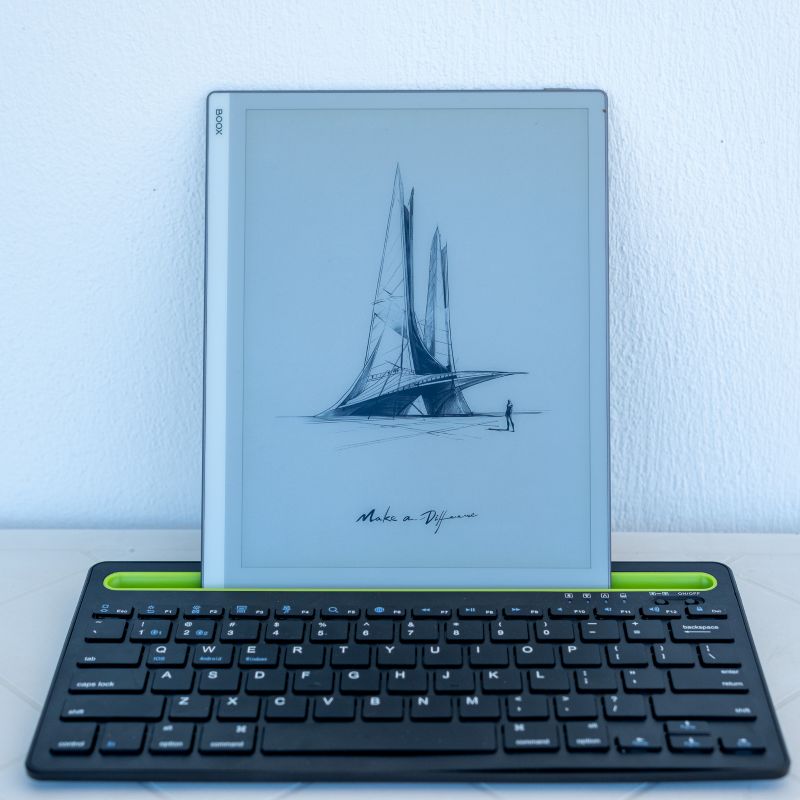
There is a specific kind of modern cabin fever that sets in when the sun is shining but your work demands a keyboard. For years I have accepted this with a grim compromise. I either stay inside with our backlit screens or we venture out and squint at a slab of glare. I acquired the Boox Go 10.3 to resolve this tension. I wanted to read on the deck and write on the beach. E-ink technology was the only viable path forward because no other display can compete with the sun.
I also needed flexibility. Devices like the Amazon Scribe or the reMarkable lock you into their respective walled gardens and refuse to let you connect a keyboard. The Boox runs on Android, allowing me to use my usual suite of applications: Kindle, Kobo, Obsidian, Google Keep, and OneNote.
The Physical Object
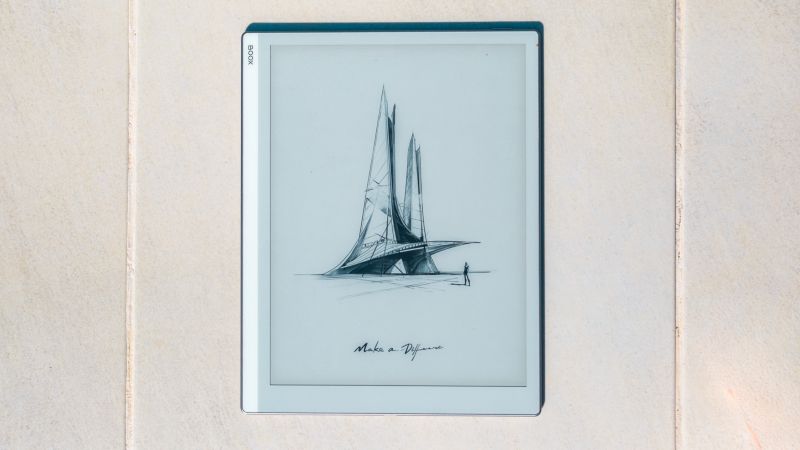
The physical object is undeniably cool. It elevates itself above the sea of anonymous black and silver tablets everyone else carries. It is remarkably light and impossibly thin at just 4.5 millimeters. The textured back gives it a premium feel and makes it easy to grip. I have used it without a cover for four weeks across various locations. Despite writing with significant pen pressure, the screen remains pristine and free of marks.
| Feature | Specification |
|---|---|
| Display | 10.3" E Ink Carta Plus (2480 x 1860, 300 ppi) |
| Dimensions | 235 × 183 × 4.5 mm (1/2 size 15 inch laptop screen) |
| Weight | 365 grams (light) |
| Processor & RAM | 8-core 2.4 GHz with 4 GB RAM (bit slow) |
| Storage | 64 GB (more than enough) |
| Battery | 3700 mAh (more than enough) |
| Operating System | Android 12 (Not ideal) |
The Reading Experience
If you loathe the glare of a traditional tablet and crave a purer reading experience, this device makes a compelling case for itself. I relied heavily on the Kindle and Kobo applications. While a dedicated Kindle device feels marginally more responsive when navigating menus, the actual reading experience is identical. The larger screen is a luxury. Because the device is so light, the extra size adds no cumbersome weight to your wrist.
Newspapers and magazine present a slightly different story. The device handles newspaper apps adequately, but the absence of color turns vivid graphics into muddy approximations. You will notice the slower refresh rate and the comparatively sluggish computing power when swiping through image galleries. It rewards the dedicated reader of long-form articles but punishes the restless headline browser. I loved using it with the New Yorker magazine.
Pen and Keyboard
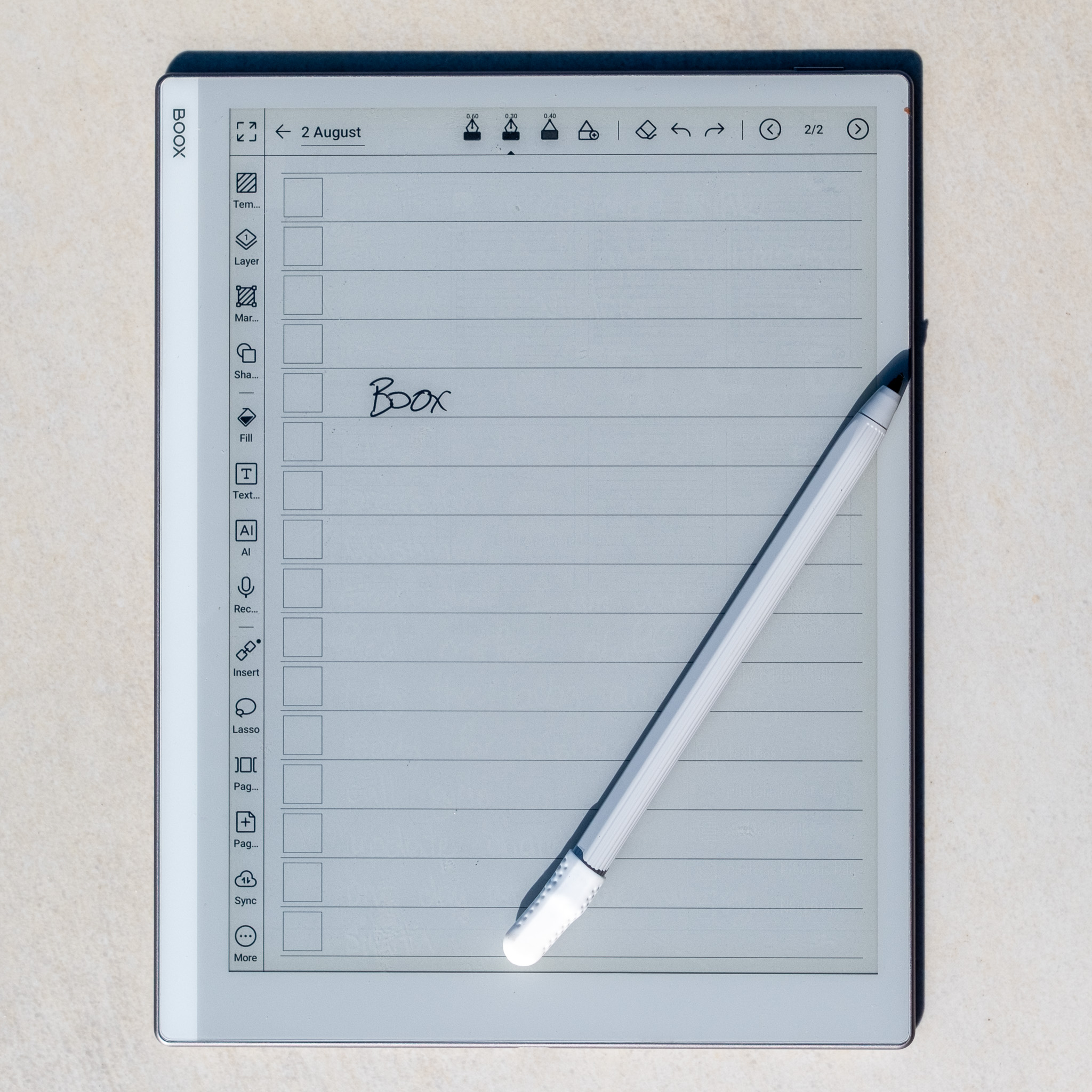
The handwriting experience is superb provided you stay within the native notes application. The pen has a wonderful tactile response and I found myself reaching for it far more often than I anticipated. Attempting to handwrite in third-party apps like Google Keep or OneNote introduces a lag that is just not as smooth.
For actual typing, I paired a Bluetooth keyboard. I propped the screen up on outside tables and laid it flat on beach loungers. The pairing process was seamless and the device switched to typing mode without a single protest. I discovered that drafting in portrait mode felt incredibly natural. There is a slight delay when striking the keys but it is entirely forgivable. The sheer joy of sitting on a sunlit balcony without a hint of screen glare far outweighs a few milliseconds of lag.
The Compromises
This is a device of intentional limitations. If reading in bright light is not a priority for you, my advice is to look elsewhere. You trade speed, color, and low-light performance for outdoor legibility. The lack of any backlighting is a severe limitation in a dark airplane cabin or a dim room. I found myself wishing for even a faint frontlight just to bring the contrast up in the evenings.
Connectivity also requires patience. The Wi-Fi antenna is weaer than the one in my Pixel phone, often forcing me to tether the tablet for a stable connection. Public Wi-Fi roaming can also be a struggle because the native browser stumbles over certain security protocols.
Battery life remains a bright spot. A four-hour session of heavy mixed use drains perhaps ten to fifteen percent of the charge. If you are simply reading, that consumption drops to a fraaction of that rate.
The Boox Go 10.3 is a specialised instrument. It is unapologetically bad in the dark and occasionally frustrating on the web. Yet it excels completely at its primary mission. It allows you to take your digital life out into the natural world.